
AI Voice Changer
ProTransform any recording into a different voice while keeping emotion and timing.
Checking sign-in…
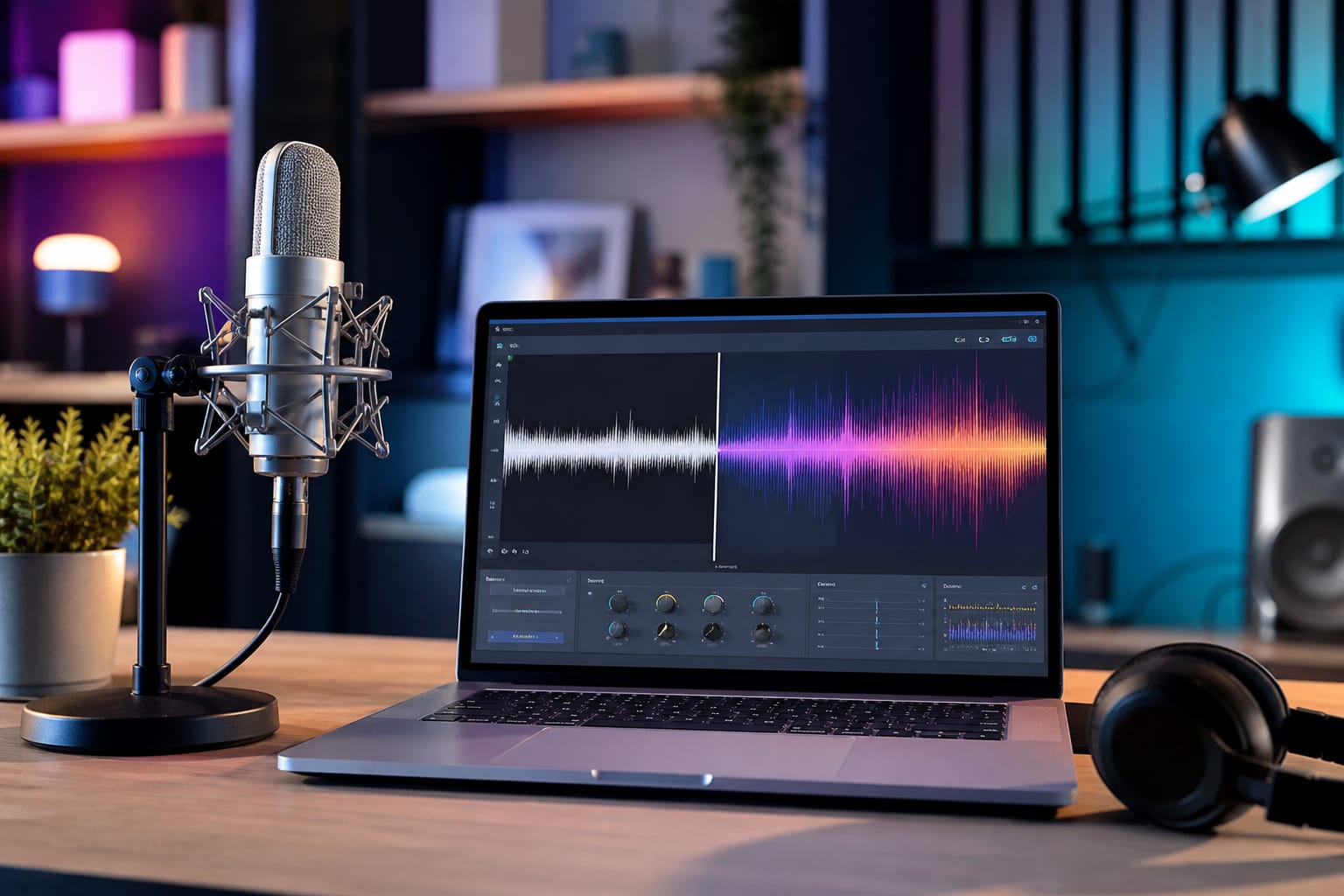
Showcase
What AI Voice Changer is for
Transform any recording into a different voice while keeping emotion and timing.
- Transform any recording into a different voice while keeping emotion and timing.
- Voice and sound tools for podcasts, video, and content
- Premium tool—signed-in processing when available; results appear in the workspace
How to use AI Voice Changer
Transform a recording into another voice while keeping emotion and timing.
Upload audio
Recorded speech works best
Pick a voice
Choose the target voice style
Convert
Transform the performance into the new voice
Download audio
Save the result for video, podcasts, or ads
FAQs
Answers to the questions people ask most about privacy, quality, limits, and AI Voice Changer.
AI Voice Changer is a premium tool. It runs with credits after you sign in — free browser tools on Tools2Easy do not require credits.
When premium features go live, processing may use our secure servers. Prefer free browser tools for maximum privacy if you need everything fully offline on-device.
Sign in is required for premium tools that use credits. No desktop install — everything runs in the browser.
When available, preview the result before you download. Quality controls will be shown in the workspace.
Accepted types for AI Voice Changer are listed in the upload area. Most browser tools work best under about 100 MB; very large files may fail or run slowly because your device does the work.
Yes, in modern mobile browsers (Chrome, Safari, Firefox, Edge). Large PDFs, images, or videos can be slower on phones because processing uses your device memory and CPU.
Premium tools depend on server capacity and your connection — larger files take longer.
Preview will appear in the workspace once this tool opens.
MP4 and WebM work well for extraction. Output is typically MP3 for broad compatibility. Check the upload hint for this tool.
Premium audio tools depend on upload size and server capacity once enabled.
Premium audio tools may process on our servers. Prefer free local extract tools for private files when available.
Follow the workspace instructions once the tool is connected; start with a clear source file.