
Image Splitter
FreeCut an image into a grid of separate tiles.
Drag files here
Single file · Image files · Max 100 MB
Processed in your browser, files never uploaded. Originals and edits stay on this device for 1 hour.
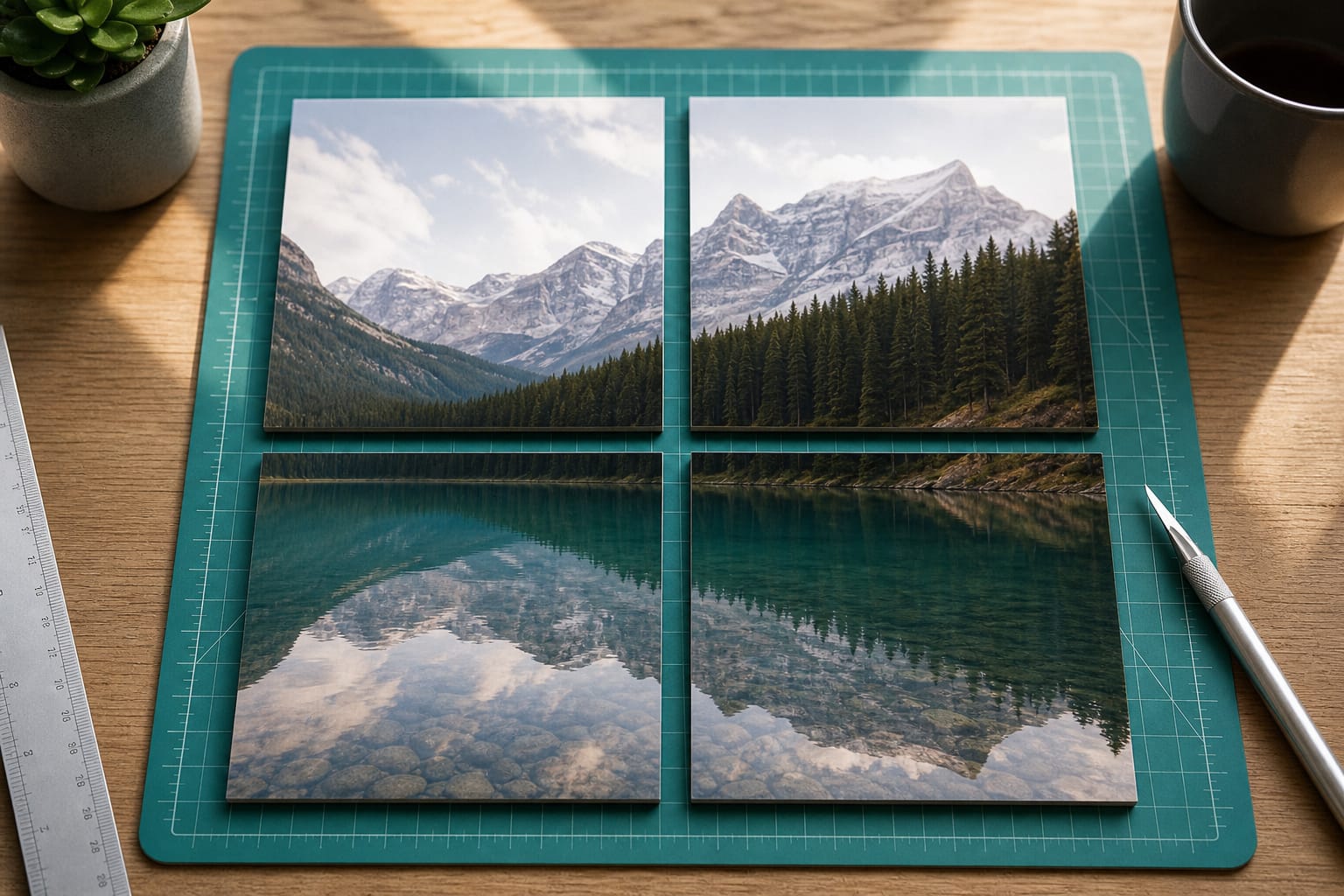
Showcase
What Image Splitter is for
Cut an image into a grid of separate tiles.
- Cut an image into a grid of separate tiles.
- Photo-ready output for web, social, and design work
- Browser processing keeps files on your device whenever the tool runs locally
How to use Image Splitter
Cut an image into a grid of separate tiles.
Add your file
Drop or choose a file in the workspace
Adjust options
Tune settings until the job matches what you need
Process
Run the tool and wait for the result to appear
Preview & save
Check the output, then download when you are happy
FAQs
Answers to the questions people ask most about privacy, quality, limits, and Image Splitter.
Yes. Image Splitter is free for everyday use. It runs in your browser with no account required for this tool.
For this tool, processing stays on your device in the browser. Files are not uploaded to Tools2Easy servers, so there is nothing for us to store or delete later. Close the tab when you are done if you want the in-memory preview cleared.
No install and no account for free tools. Open the page, add your file or text, process, then download or copy the result.
It depends on the settings. Lossy formats (like JPG/WebP) and compress tools trade some detail for a smaller file — use the quality controls when shown, and preview before you download. Lossless options (like PNG) keep full detail when available.
Accepted types for Image Splitter are listed in the upload area. Most browser tools work best under about 100 MB; very large files may fail or run slowly because your device does the work.
Yes, in modern mobile browsers (Chrome, Safari, Firefox, Edge). Large PDFs, images, or videos can be slower on phones because processing uses your device memory and CPU.
Browser tools depend on your device and file size — not a remote server queue. Close extra tabs, try a smaller file, or use a desktop browser if a large job stalls. If the tab crashes, the file was likely too heavy for available memory.
Yes. Results show in the workspace first. Download only when you are happy with the output. Use Compare on image/video results when you want to check against the original.
Most image tools accept JPG, PNG, WebP, and GIF. Some also support HEIC/HEIF from iPhones. Exact accept types appear on the upload control for each tool.
Re-encoding in the browser (convert, compress, resize) often drops or rewrites metadata because the image is redrawn to a canvas. Do not rely on Tools2Easy to preserve GPS or camera EXIF if you need it — keep an original copy.
Many image tools allow multiple uploads (limits are shown in the workspace). Each file is processed on your device, so batches of large photos may take longer.
Yes where the tool shows page or range options. Double-check the page numbers before processing — browser PDF tools apply the selection you enter.