
YouTube Shorts Watermark Remover
FreeDraw a box over a YouTube Shorts watermark and remove it from your clip.
Max 50 MB free · 200 MB on a plan. Sign in is required for server processing. Uploads are deleted after the job.
Checking tool availability…
This tool opens only when its server processor is live.
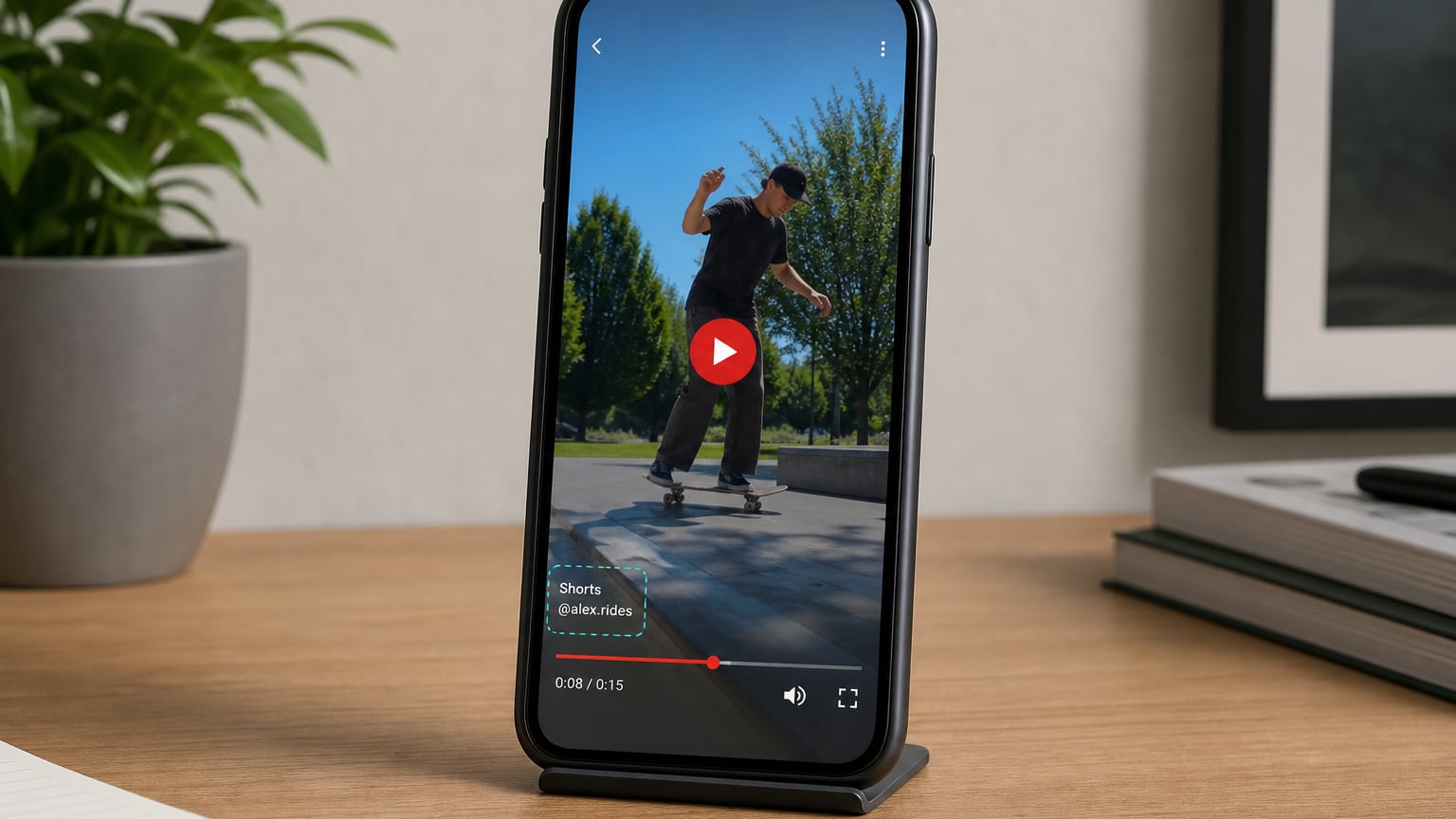
Showcase
What YouTube Shorts Watermark Remover is for
Draw a box over a YouTube Shorts watermark and remove it from your clip.
- Draw a box over a YouTube Shorts watermark and remove it from your clip.
- Built for creators editing clips for social and production
- Files upload for processing, then inputs and results are deleted — download promptly
How to use YouTube Shorts Watermark Remover
Scrub to a frame where the YouTube Shorts watermark is visible, then draw a tight box around it.
Upload a video
50 MB free · 200 MB on a plan · up to 1 GB with 1 credit
Draw the region
Pick a clear frame, then box the YouTube Shorts watermark
Remove
That region is cleaned on every frame
Save
Download the cleaned video
FAQs
Answers to the questions people ask most about privacy, quality, limits, and YouTube Shorts Watermark Remover.
Yes. YouTube Shorts Watermark Remover is free for everyday use. It runs in your browser with no account required for this tool.
This tool uploads your file for server-side processing. Inputs are deleted as soon as the job finishes, and the downloadable result expires in about 10 minutes. Sign in is required.
No desktop install. Sign in is required so we can process your file on our servers. Open the page, upload, process, then download.
It depends on the settings. Lossy formats (like JPG/WebP) and compress tools trade some detail for a smaller file — use the quality controls when shown, and preview before you download. Lossless options (like PNG) keep full detail when available.
Accepted types for YouTube Shorts Watermark Remover are listed in the upload area. Free accounts can process up to 50 MB. Paid plans include 200 MB; files up to 1 GB use 1 credit. Sign in is required. Welcome credits cannot raise the free 50 MB cap.
Yes, in modern mobile browsers (Chrome, Safari, Firefox, Edge). Large PDFs, images, or videos can be slower on phones because processing uses your device memory and CPU.
Server jobs depend on file size, length, and current capacity. Keep this tab open while the job runs. If it fails, try a smaller file or a clearer region and run again — unfinished uploads are deleted.
Yes. Results show in the workspace first. Download only when you are happy with the output. Use Compare on image/video results when you want to check against the original.
MP4 (H.264) is the most reliable. Other formats may work depending on codecs. Check the upload hint for this tool.
This tool re-encodes on our server for every file size so quality stays reliable. Upload and encode time depend on clip length and resolution.
Yes for this tool — the file is uploaded for server-side encoding. Files are deleted after processing. Sign in is required.
Upload the video, scrub to a frame where the YouTube Shorts watermark is visible, draw a tight box around it, then process. That region is removed from every frame.
Yes — draw the box where the mark sits for the whole clip. Moving or bouncing watermarks may need a larger box that covers the full path.