NotebookLM Watermark Remover and Gemini Video Cleanup
If you want a notebooklm watermark remover, or you need to remove a gemini watermark from a clip you made, you are in the right place. Tools2Easy cleans the visible Gemini, Veo, Sora and NotebookLM watermarks for you: no install, and no upload queue to sit in. These are server-side jobs, so a free account and sign-in are required. Here is how it works, what it can and cannot do, and where to start.
Why AI video watermarks are hard to remove
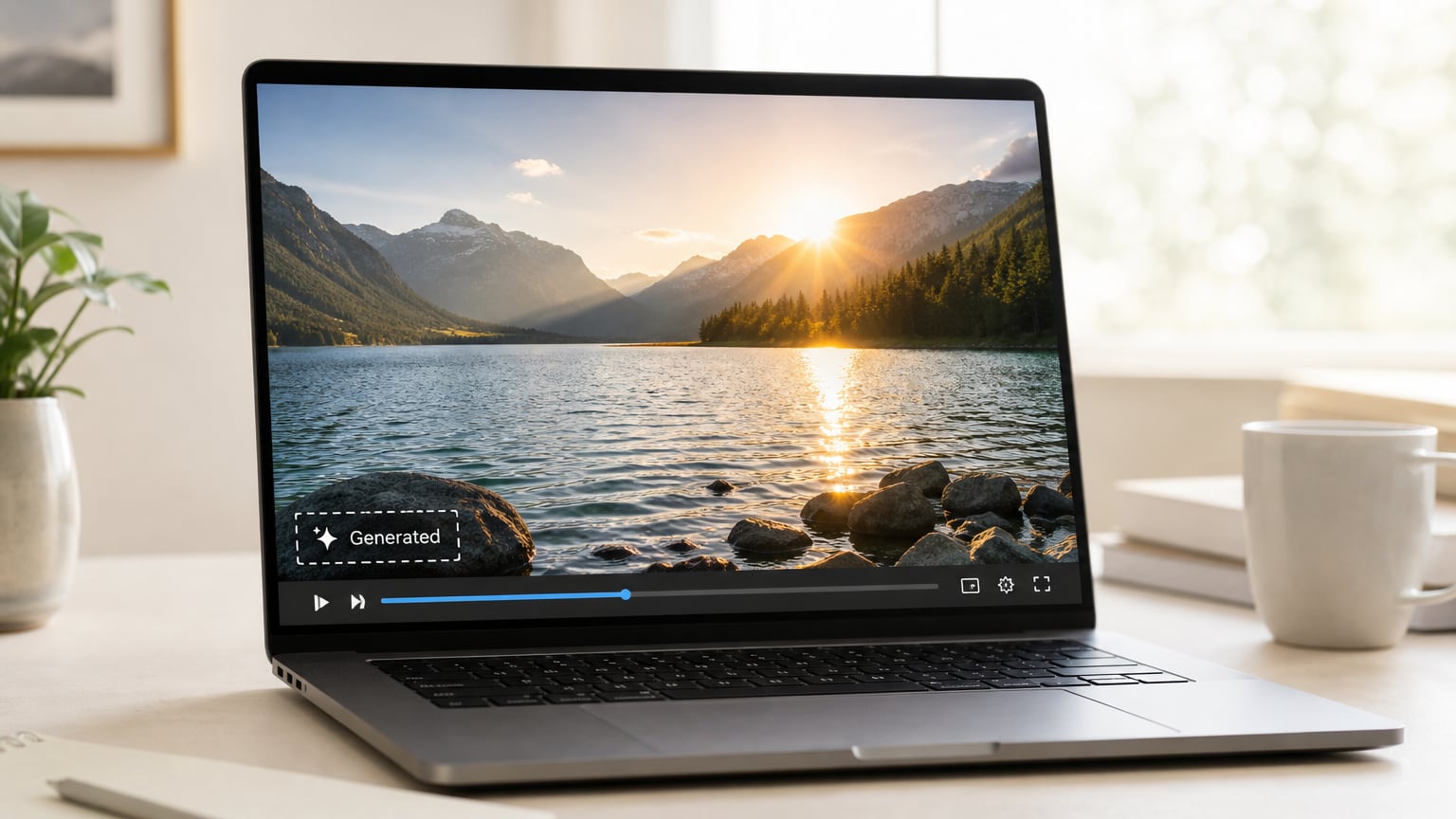
The logo you see on a Gemini, Veo or Sora clip is not a sticker sitting on top of the frame. In almost every export the mark is drawn into the pixels before the file is encoded, so there is no separate layer you can switch off. A burned-in watermark can only be removed by rebuilding what was underneath it: the tool has to find the mark in each frame, estimate the pixels it covers and refill that area so it matches the surrounding motion, grain and colour. That is why a simple crop or a fixed blur box rarely looks right.
The mark also moves. On Veo clips the logo drifts around the frame, on Sora the watermark shifts and scales, and NotebookLM video overviews can place a mark over busy slide content. A single static crop either leaves part of the logo visible or cuts away a large strip of your footage, and a blur box just turns a logo into an obvious smudge. Tracking the mark frame by frame is the only approach that holds up.
That is why most quick fixes fail: cropping loses framing, blurring draws attention to the spot, and a generic eraser leaves a wobbling patch that is more distracting than the original logo.
Some watermarks are invisible as well. Gemini and Veo output also carries SynthID, a provenance signal embedded in the pixel values themselves, plus C2PA metadata inside the file. Pixel editing will not remove SynthID, and stripping metadata will not remove a visible logo. Keep that in mind, and keep the rule that matters: only remove watermarks from content you generated yourself. Cleaning someone else's clip can breach copyright and the terms of service of the tool that produced it.
How to do it with Tools2Easy
Every tool below runs on our servers as a background job, so there is nothing to install. Sign in with your free account first, then pick the tool that matches your file and follow the same short flow.
1. Choose the matching tool. Gemini and Veo clips go to the Gemini watermark remover, Sora clips to the Sora watermark remover, NotebookLM video or audio overviews to the NotebookLM watermark remover, and NotebookLM PDF exports to the NotebookLM PDF watermark remover.
2. Upload your clip. Drag the file into the drop area or click to browse. The clip is uploaded to our own servers for processing — it is not sent to any third-party service, and both the input and the finished file are deleted automatically after the job.
3. Let the detector find the mark. The tool scans the clip, locates the logo and tracks its position and scale across every frame, so a moving watermark is followed rather than guessed at.
4. Preview the result and adjust if needed. Play the cleaned clip next to the original. Widen the detection area only if the logo sits over fine detail that looks smeared on the first pass.
5. Download the cleaned file and keep your original. You get a fresh copy, so if a frame still shows a faint edge you can re-run the job with different settings instead of starting over. A second pass with a tighter detection area is the usual fix for a stubborn frame edge, and each download is kept separate so nothing overwrites your earlier result.
What results to expect
Here is a straight answer about what a watermark remover online free tool can and cannot deliver.
- Clean, near-invisible results on flat, plain or slowly moving backgrounds. Talking-head clips, product shots, screen recordings and simple graphics usually come back looking untouched.
- Visible softness over busy texture. If the logo sits on hair, foliage, fabric or fast motion, the rebuilt area can look slightly smoother than its surroundings.
- Quality depends on the source. Heavy compression, low bitrates and oversized logos leave more traces, so a clean 1080p or 4K export cleans up better than a re-encoded social copy.
- Invisible provenance marks stay. SynthID and similar signals live inside the pixel data and are not removed by any pixel-level tool, including ours.
- No guaranteed perfect frame. Expect the odd frame where the logo edge is still faintly visible. Re-running with a wider detection area usually clears it.
- Metadata can be stripped, ownership does not change. Clearing C2PA data does not make a clip your own work.
- Keep the original file. Compare both versions before publishing, and only clean clips you generated yourself.
- Audio is untouched. Only the picture is rebuilt, so narration, music and room tone come through exactly as they were in the source file.
Frequently asked questions
Is there a free NotebookLM watermark remover online?
Yes. The NotebookLM watermark remover runs as a server-side job and requires a free sign-in. Exported NotebookLM PDFs are handled by a separate PDF tool on the same site.
Can I remove the Gemini watermark without ruining video quality?
Usually yes when the logo sits over a simple background, because the covered pixels are rebuilt instead of blurred. Over fine detail such as hair or foliage, expect a small amount of softness in that spot.
Is it legal to remove Veo or Sora watermarks?
Only from clips you generated yourself, and only where the provider's terms and the platform you publish on allow it. Watermarks often signal AI provenance, so removing them from someone else's video can breach copyright and terms of service.
Try it now
Try the free NotebookLM, Gemini, Veo and Sora watermark removers right now, or open the NotebookLM PDF watermark remover for exported documents.
Upload a clip you generated yourself, check the preview and download the cleaned copy. It takes a couple of minutes and nothing is installed on your machine.
Clean your own Gemini, Veo, Sora or NotebookLM file now with the Tools2Easy watermark removers.
Use the free tool